Sign In
This document explains how to sign in to your account on the platform. Your account will be automatically created upon your first sign-in.
Sign In
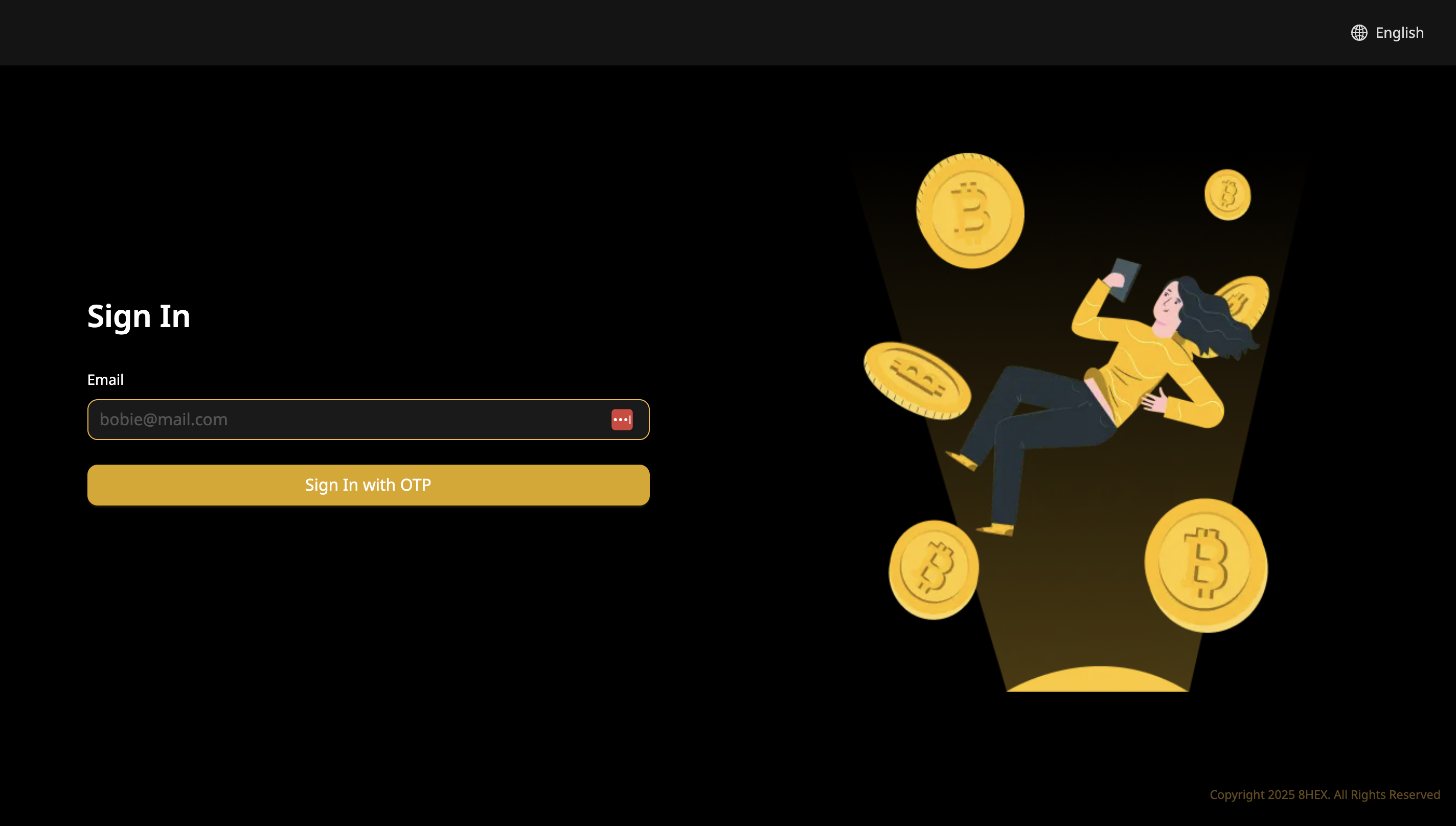
To sign in or automatically register your account, follow these steps:
- Navigate to the Sign In page.
- Enter your email address.
- Click on Sign In with OTP.
Verify Your Email
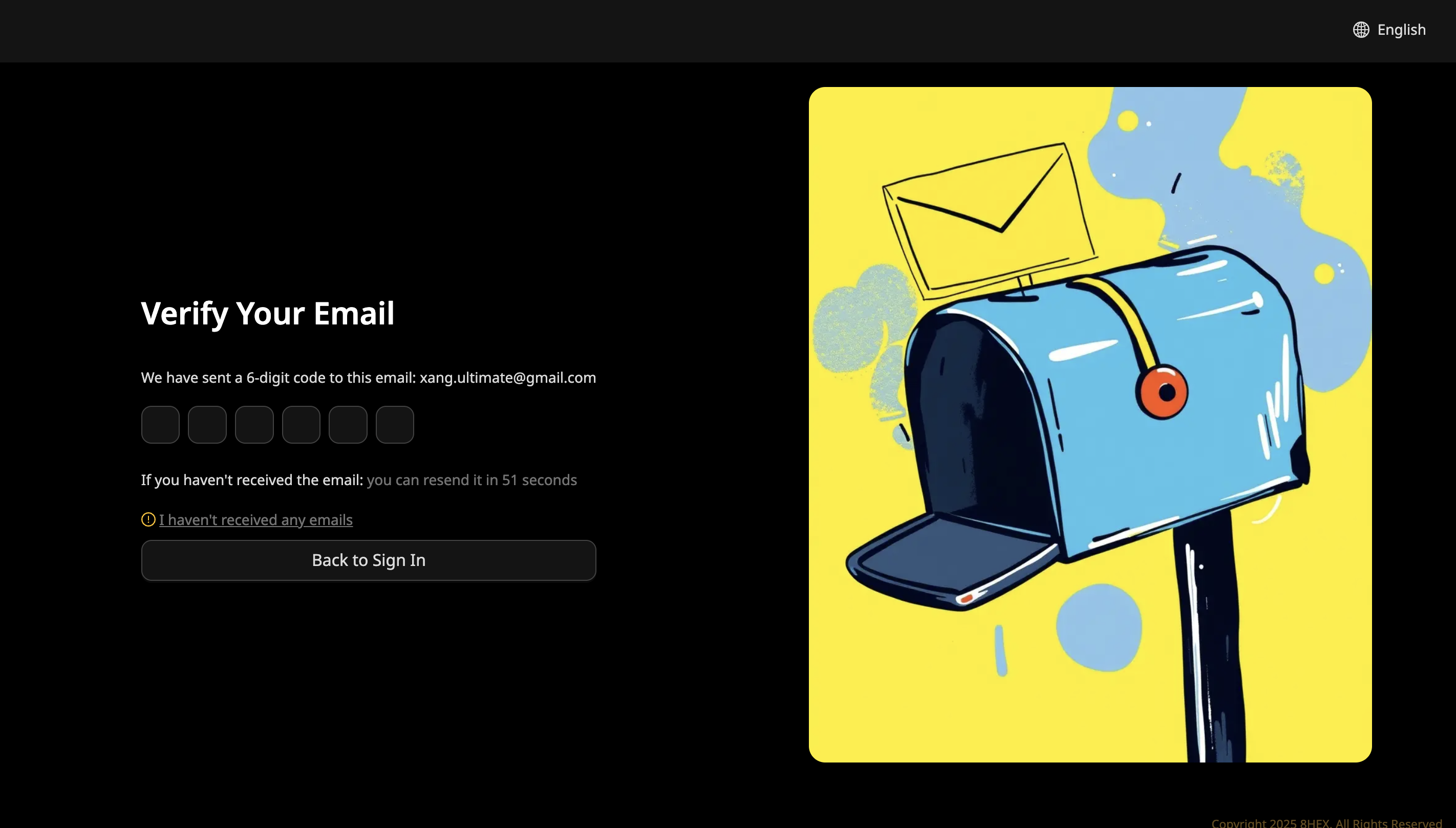
After clicking the Sign In with OTP button:
- Check your email inbox for a 6-digit verification code.
- Enter the verification code into the provided fields.
Dashboard
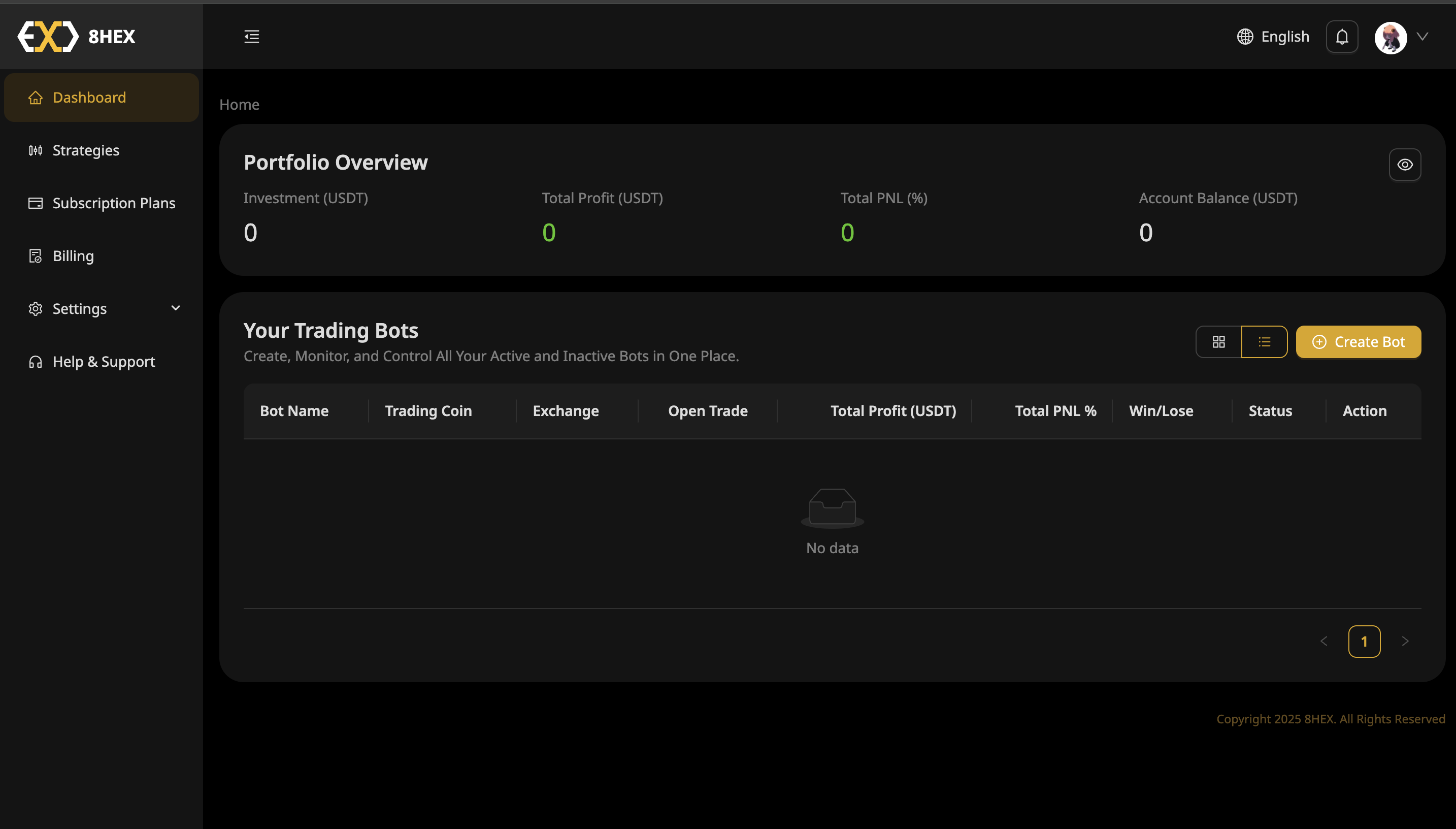
After successfully verifying your email, you'll be redirected to your Dashboard, where you can:
- View your portfolio overview.
- Manage your trading bots.
You're now ready to manage your account and trading activities!